> ## Documentation Index
> Fetch the complete documentation index at: https://docs.baseplate.ai/llms.txt
> Use this file to discover all available pages before exploring further.
# 🔑 Add your API keys
> Connect your LLM providers
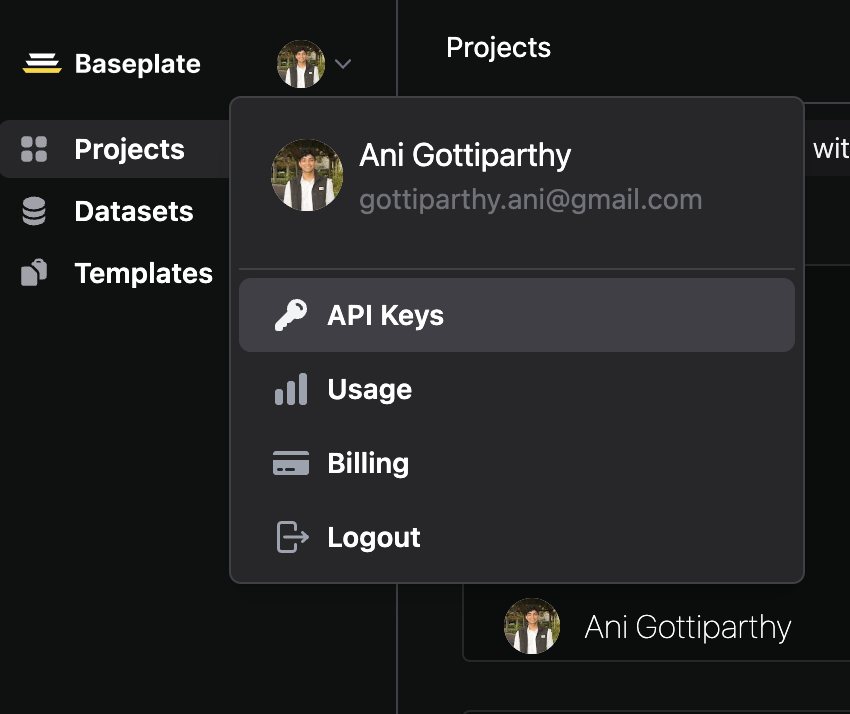
## Creating an API Key
You'll need an API key to use our APIs. Generate one, and use it in your codebase. You will only be able to see each API key once, but you can always generate more.
## Add Your API Keys for LLM Integrations
Only if you plan to use Baseplate for deploying your LLM App (Recommended)
Completions API usage is billed directly to your account with each LLM provider. If you reach your
account limit, have an issue with payments, or any other issue occurs, you will
need to resolve the issue with the LLM provider directly.
For Enterprise customers, contact us at [founders@trybaseplate.io](mailto:founders@trybaseplate.io)